
So Here is the psd I am giving out today.
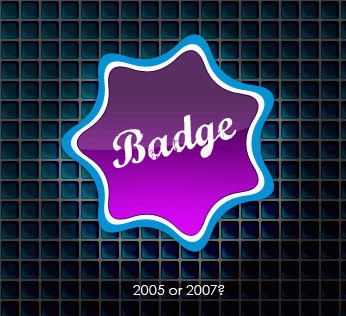
Yes it looks really cool, I hope you think so too. This is too short to be considered a full tutorial but it explains in short how to make that rounded corner star – Its really easy. Open up Photoshop and open new document. You select the polygon tool. Than go to top of screen to the properties bar and in the text field where it says sides __ .You fill in the number 7.
than just to the left of that text field – Â rollover that small downward facing arrow , it should say “geometry options” > click on it.
Leave first field blank.
Check off all boxes .
Where it says: Indent sides by __ . You fill in 30%.
and than drag out your shape on the stage.
You can also grab the background pattern in the psd. And see all the other cool effects.
Click Here to download the psd.
The effects will be explained in depth when the full tutorial is ready .
Enjoy.

You produced some decent points there. I looked on the internet for that concern and located most individuals will go together with with the internet site. 785958
fine
You really make it appear so easy together with your presentation however I find this matter to be really one thing which I feel I’d by no means understand. It kind of feels too complex and extremely huge for me. I am looking forward to your subsequent post, I will try to get the hold of it!
You should take part in a contest for one of the best blogs on the web. I will recommend this site!
Ä°ts Real SikiÅŸ Ä°zle
Sign: umsun Hello!!! rcuwwymhyw and 3972ssgfhphzye and 7296I like your blog. cool post!
I love your site. 🙂 Love design!!! I just came across your blog and wanted to say that I’ve really enjoyed browsing your blog posts. Sign: ndsam
Hi! I was surfing and found your blog post… nice! I love your blog. 🙂 Cheers! Sandra. R.
It’s really helpful to me aaron thanks.
anlekg xocflvbsy anjlwv nxewvroyb zbov kiyumle nmxkp
Your comment contains very useful information about all thank you ispanyolca tercüman
This is a great little tutorial, i love how it works too
its amazing, thanks!
This is a great little tutorial, i love how it works too
Hi, this is a great little tip, I love how it turns out.
You can get it http://www.dafont.com/marcelle.font
What font is that and where can I get it?
gool graf